
(This article relates to Microsoft Copilot (fka Bing Chat) and Microsoft 365 Copilot used from apps on mobile phone or tablet. The screen shots are from iPhone and iPad)
Using Microsoft Copilot on mobile devices can be a useful additional technique to take advantage of the power of AI. Before we consider the functionality let’s look at your options to access Microsoft Copilot and Microsoft 365 Copilot from mobile.
- Microsoft Copilot app
- Microsoft 365 app plus Word, Excel, PowerPoint indivdual apps
- Teams app
- Outlook app
- Copilot.microsoft.com web site (Not URL update due mid Sept 2024 to microsoft.com/copilot)
There are some desktop expereinces which do not appear on mobile at the time of writing but as this is an ever evolving space byt the time you read this blog, you may find they have been released, so always worth checking. The key ones that come to mind are Loop and OneNote.
My Use Cases
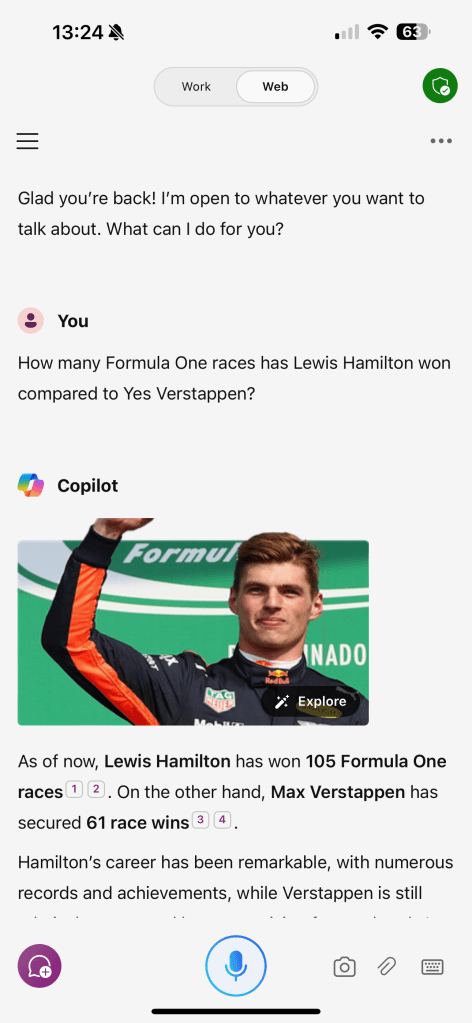
The Copilot app itself is great for a quick prompt and works great with dictating your prompt, although the odd misunderstanding can occour if Copilot misunderstands what you say. I love it for resovling disputes on questions when chatting with friends, family & colleagues, the quick check of my upcoming appointments for the week ahead and finding out what other movies that actor was actually in.
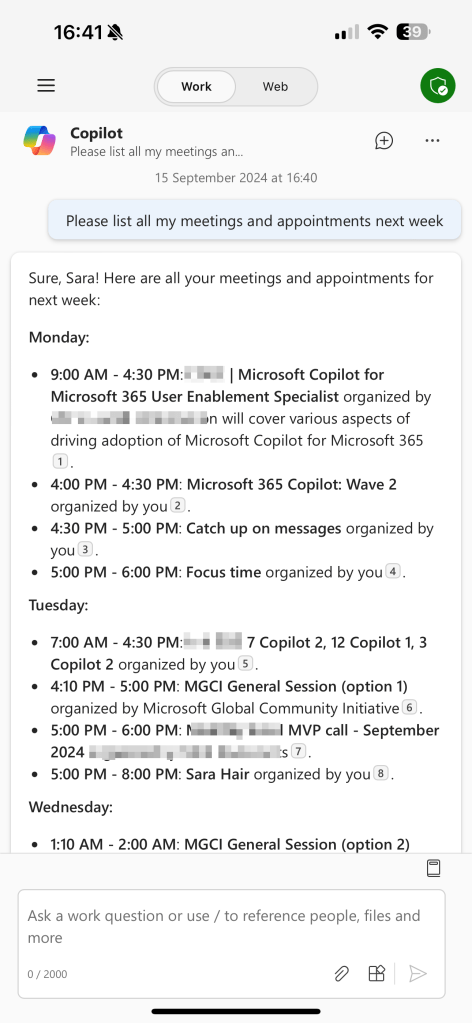
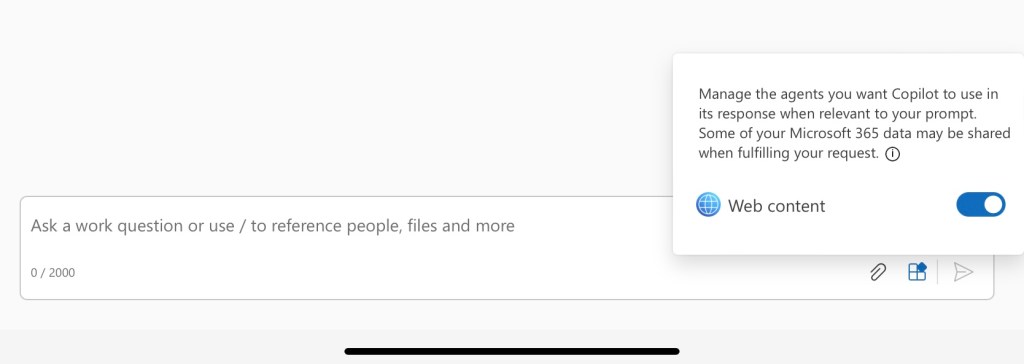
It is worth noting that you have the agent selector and attachment features in the Microsoft 365 app, as you do in the web browser version of Microsoft 365 Copiot chat (aka BizChat).
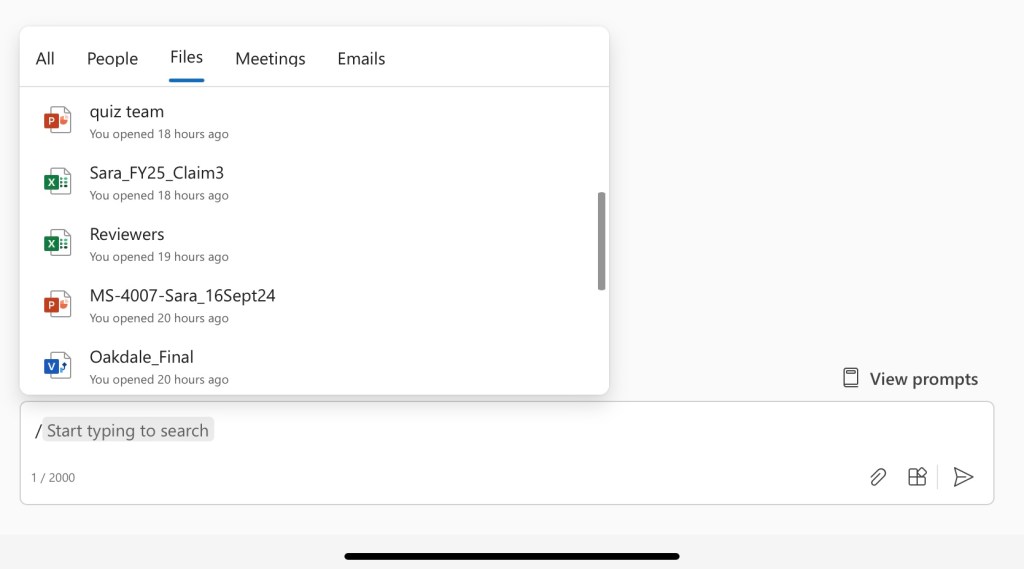
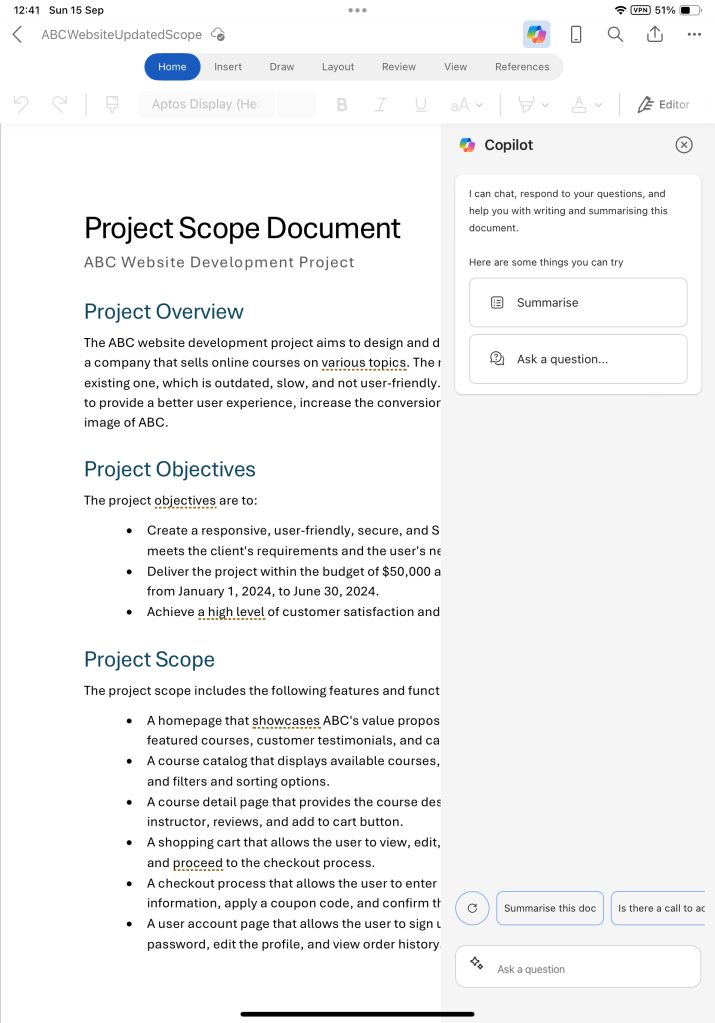
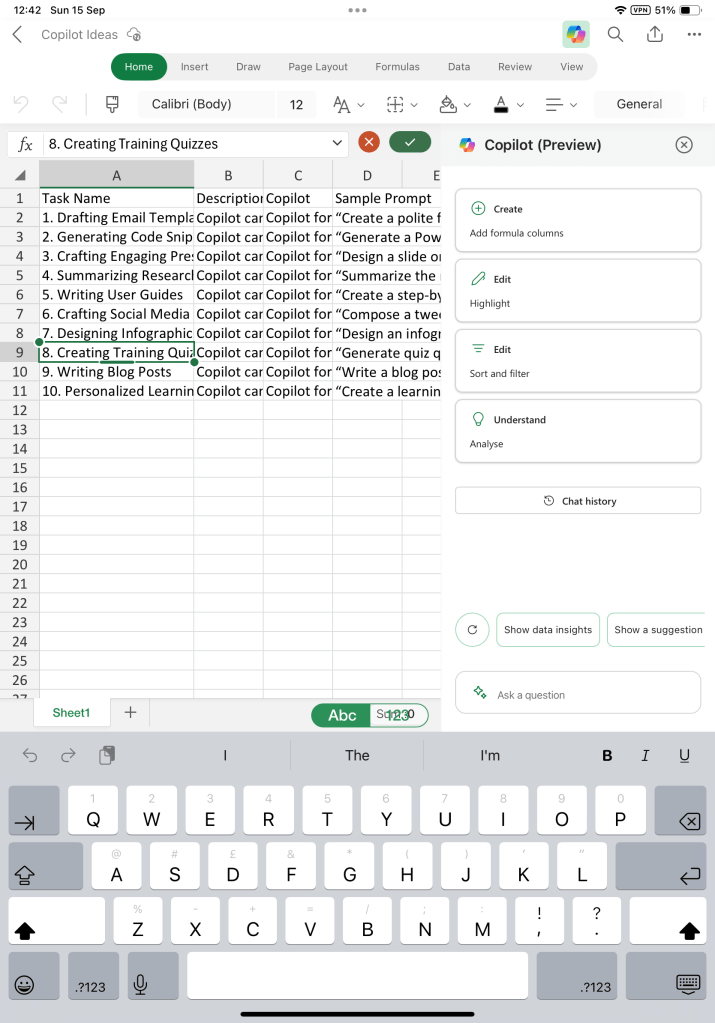
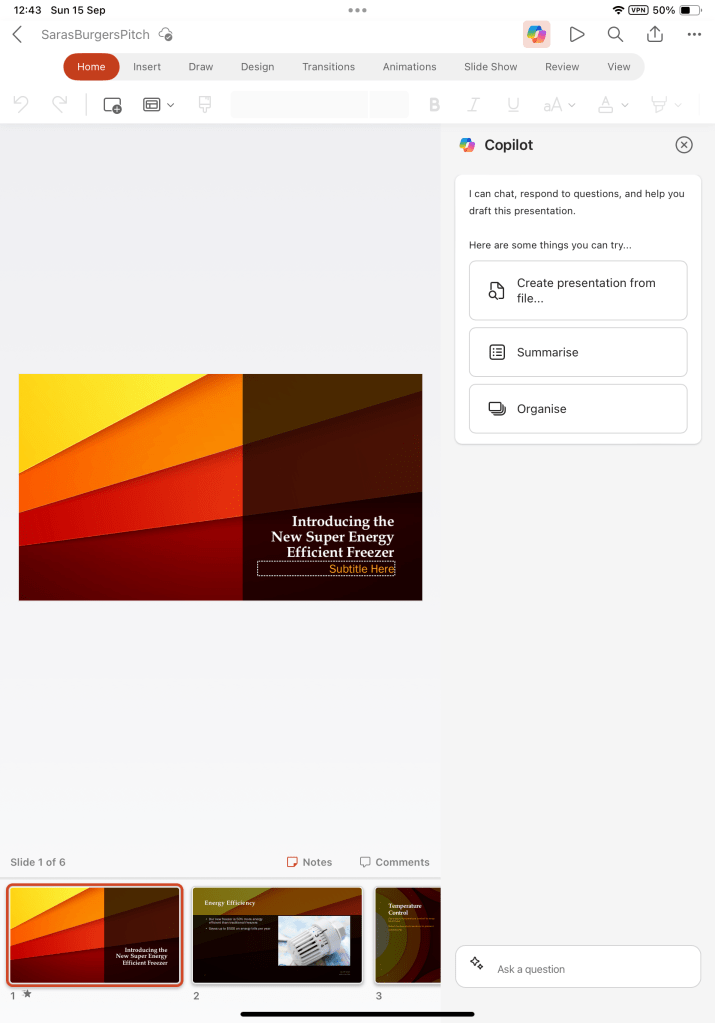
The Microsoft 365 app, is great for access to your files in Microsoft 365 to read, edit and create. When working with the Microsoft 365 app, the Copilot expereinces in Word, Excel and PowerPoint are on par with the desktop/web expereinces. Over time you will see differences as the features roll out on different timescales across the the different platforms.
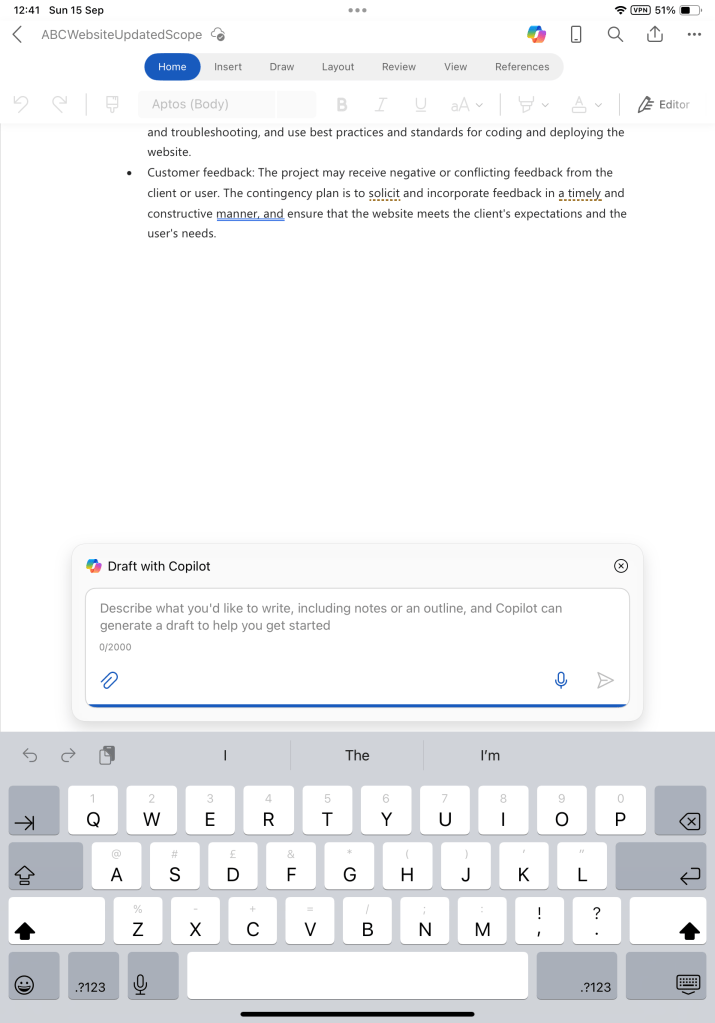
Personally, I mainly create first drafts of documents on the go on my phone/tablet capturing ideas as they strike and it’s really useful to be ablet to get that draft using Copilot in Word or PowerPoint, adding my own ideas and edits based on the orginal idea and then finalise on a bigger screen. As yet I havent found Copilot is solving the challenges of my aging eye sight 😁 (Joke).
The other usecase when working mobile is to get summaries of files rather than needing to read them in full. Somehow its just easier to read small amounts of text on a small screen that it is full documents.
The following screenshots show examples of the Copilot interfaces within the Word, Excel and PowerPoint expereinces of the Microsoft 365 app on iPad.
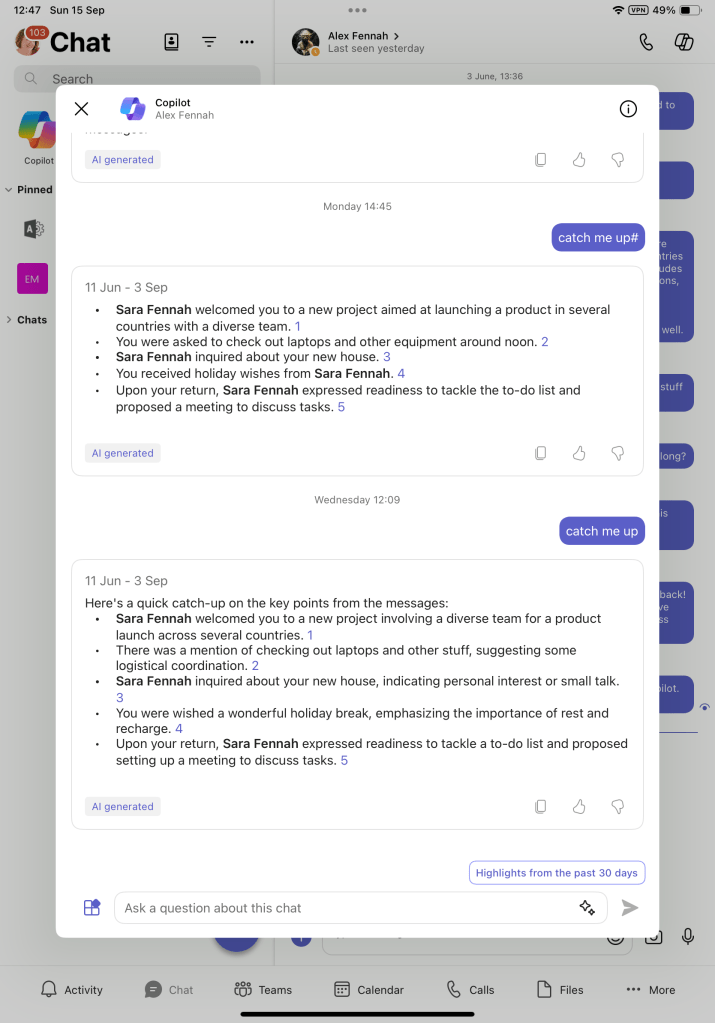
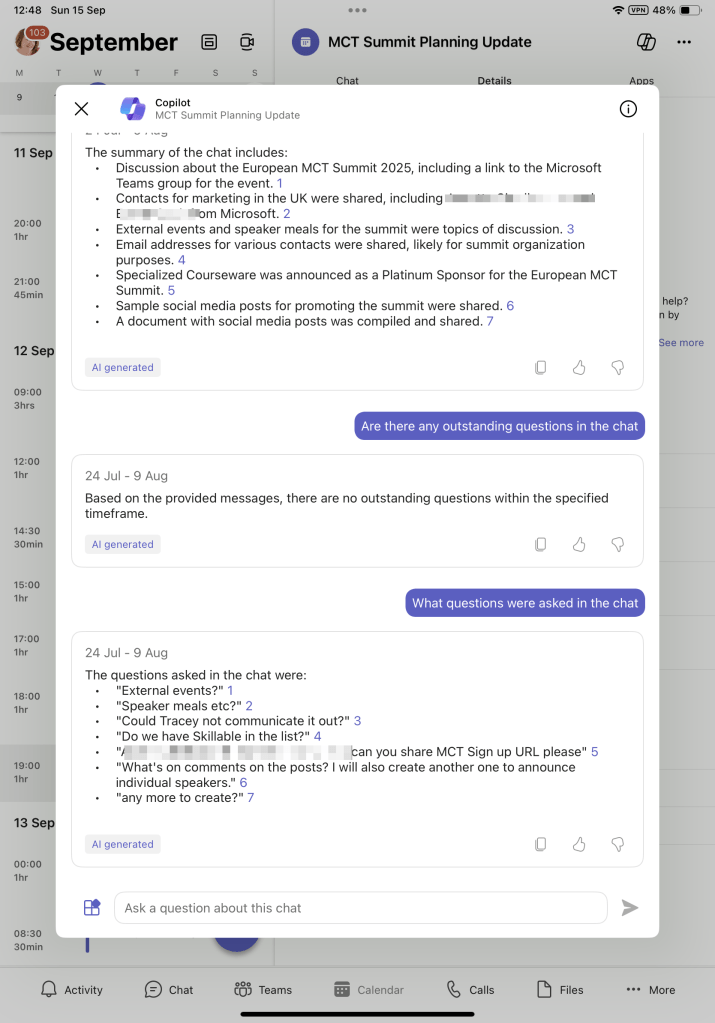
Microsoft Teams chats and meetings are areas where Copilot usage is incredibly valuable. I’ve found using the Copilot on Teams chats to summarise fast moving conversations really helpful, especially when out and about and working from the mobile so I can see if I need to respond now ir it can wait till I’m back at the desk.
Catching up on meetings with meeting summary is argueably the most useful feature for most Microsoft 365 Copilot users. When on the move and working from mobile devices, I often need to check details from past meetings and find it useful to ask questions about the meetings rather than read the full recap. Thankfully for me, this works really well in Copilot in Teams mboile app from the meeting in the calendar view.
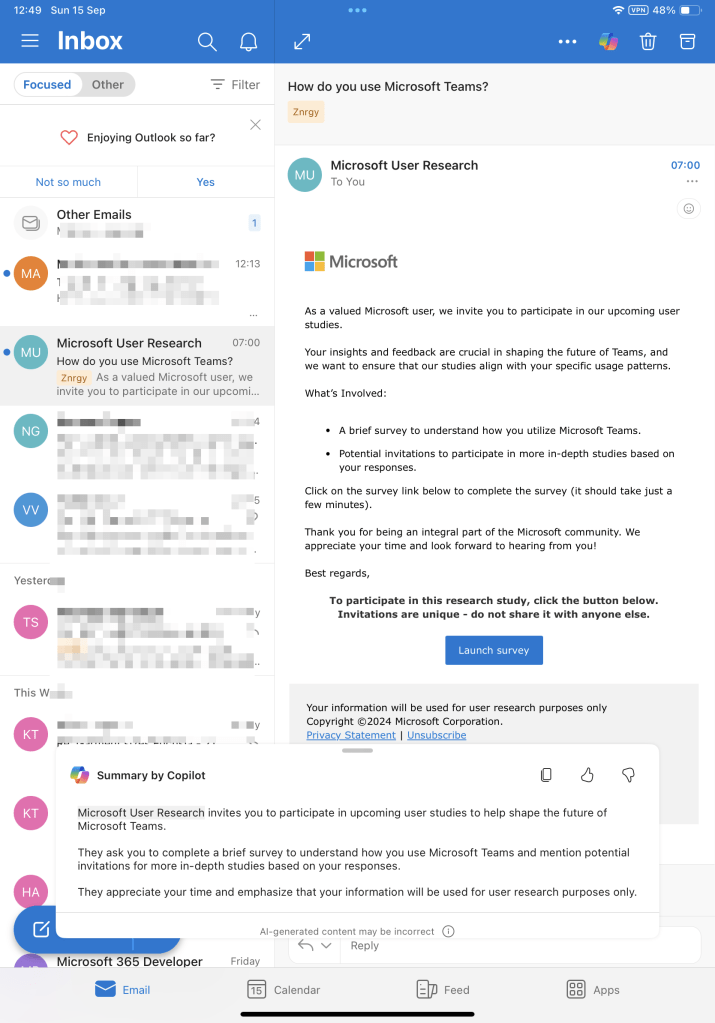
And the final app, I’m going to focus on in this blog is Outlook. I still find email is the main communication tool used when working with customers. As an independent trainer and consultant keeping on top of my email is vital. Summaries of longer emails and email threads are vital in this respect for me and super easy with Copilot in Outlook for mobile. Simply tap the Copilot button on the top right and the summary generates immediately.
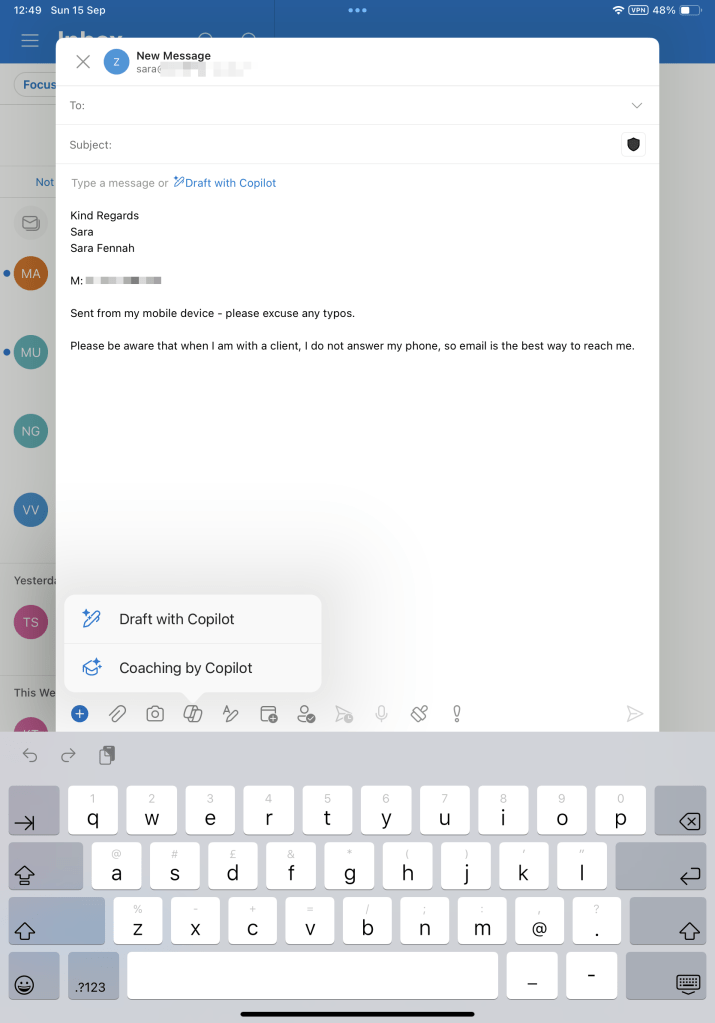
And when I need to respond to those emails the ability to get Copilot in Outlook mobile to give me the first draft saves lots of time working with the fiddly mobile keyboard. This also helps if I need to get a draft written with my immediate ideas about the response but still edit it properly when I have more time.
 Copilot Queen Blog